
AI Image Generator
AI Image Generator
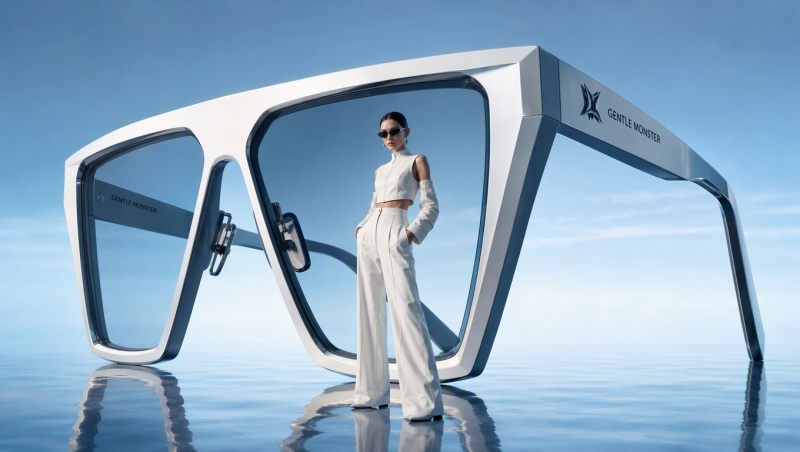
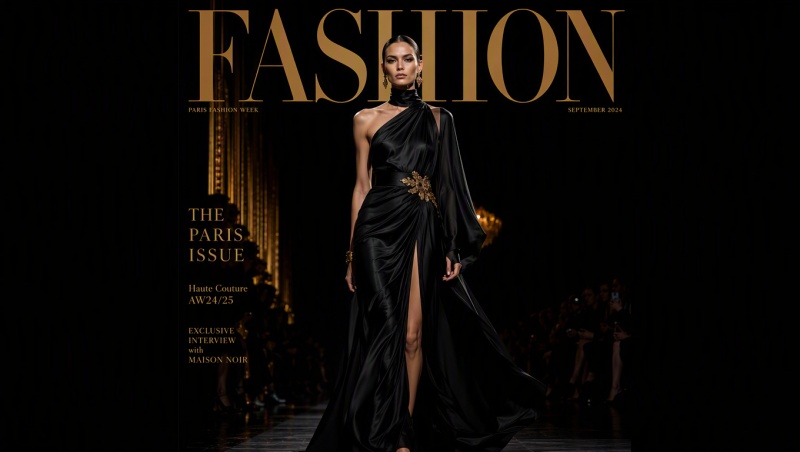
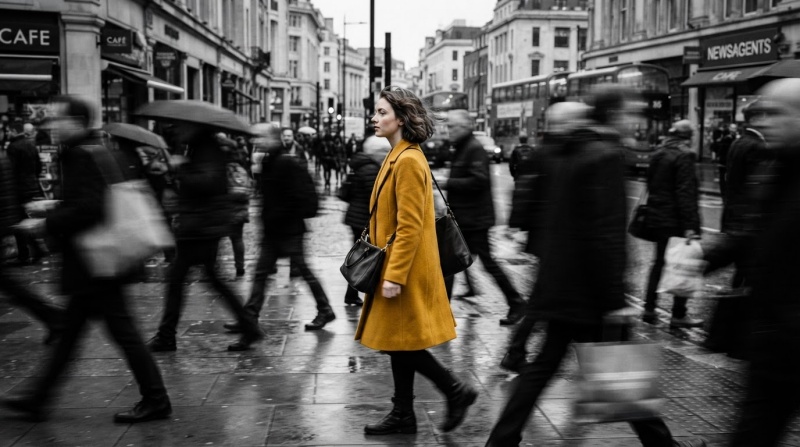
Your result will appear here
How to use the ToVideo AI image generator
ToVideo puts leading text-to-image and image-to-image models in one page. Write a prompt, optionally upload references, pick Nano Banana 2, Seedream, or GPT Image 2, confirm credits, then generate. Jobs run on the server — failed tasks refund automatically.
Text to Image
Describe subject, style, lighting, camera, and mood in natural language. Nano Banana 2 is selected by default so you can draft product shots, portraits, posters, and concept art from text alone.
Image to Image
Upload one or more references, then guide restyling, variations, or edits with a prompt while keeping composition and identity you care about. Ideal for brand assets, character consistency, and iterative design.
Model & size controls
Switch models from the dropdown and set supported aspect ratios or sizes (1:1, 16:9, 9:16, and more). The preview stage shows progress until your image is ready to download.
Credits & history
Exact credit cost appears before you start. If a run fails, those credits return automatically. Successful outputs show under Recent Generations and in AI Tasks.
AI image generation features built for creators
Professional controls and multiple frontier models in a single ToVideo workspace — without hopping between separate AI image tools.
Multiple AI image models
Use Nano Banana 2, Nano Banana Pro, Nano Banana, Seedream 5.0 Pro, Seedream 4.5, and GPT Image 2 side by side. Compare realism, stylization, and reference editing without leaving the page.
Text-to-image from detailed prompts
Turn long-form prompts into polished stills — product photography, fashion looks, environment concepts, illustrations, and marketing visuals with strong composition control.
Image-to-image with references
Upload references to restyle, enhance, or create variations. Keep subject structure while changing lighting, materials, or artistic direction for faster creative iteration.
Aspect ratios for every channel
Pick supported ratios such as 1:1 for feeds, 16:9 for thumbnails and banners, or 9:16 for stories and shorts. Some models also support auto sizing for image-to-image.
Fast generation with live progress
Most images finish within about a minute depending on model and complexity. Watch status and progress in the preview panel while the job runs on the server.
Recent generations & AI Tasks
Reopen finished images under Recent Generations, preview them again, download results, or open full history in AI Tasks when you need older outputs.
What you can create with AI images on ToVideo
From go-to-market creative to concept art — one generator covers common production needs for marketers, designers, and indie creators.
Product & ecommerce visuals
Generate clean product shots, lifestyle scenes, and packaging mockups from prompts or product photos. Useful for listings, ads, and landing pages when you need volume fast.
Portraits & character art
Create stylized portraits, mascots, and character sheets. Image-to-image helps lock identity across outfits and scenes for storyboards and brand characters.
Ads, social & campaign creatives
Produce square, landscape, and vertical variants for Meta, TikTok, YouTube, and display. Iterate headline-ready backgrounds and hero images without a full shoot.
Concept art & illustration
Explore lighting, materials, and art directions for games, film, and design pitches. Switch between Nano Banana, Seedream, and GPT Image 2 to find the look you want.
Thumbnails, covers & posters
Draft eye-catching covers and thumbnails in 16:9 or custom ratios, then refine with a second pass or reference upload until contrast and subject read clearly.
Style transfer & variations
Start from a photo or sketch and restyle into anime, cinematic, watercolor, or brand-aligned looks — keep structure while testing multiple creative directions.
Why create AI images with ToVideo
ToVideo is built so you can draft, compare models, and ship stills in one flow — with transparent credits and jobs that keep running if you close the tab.
AI image generator FAQ
Models, credits, text-to-image vs image-to-image, commercial use, and how tasks work on ToVideo.
Start generating AI images
Pick text-to-image or image-to-image above, choose Nano Banana 2, Seedream, or GPT Image 2, check credits, and create your next visual.